
This site is reader-supported. When you buy through our links, we sometimes earn a commission from the provider — at no extra cost to you. In fact, you'll often get an exclusive discount. These partnerships fund our independent work, but never shape our conclusions. Learn more
Saving money on an eSIM is often much easier than finding a cheap flight ticket. You have likely heard the travel tip where changing your IP address helps you unlock lower fares from airlines in specific regions. That strategy usually requires a VPN and the patience to test dozens of different countries.
A similar trick works when buying an eSIM, but the process is far simpler, especially if you are from the UK or Europe. The savings can be more than 10%.
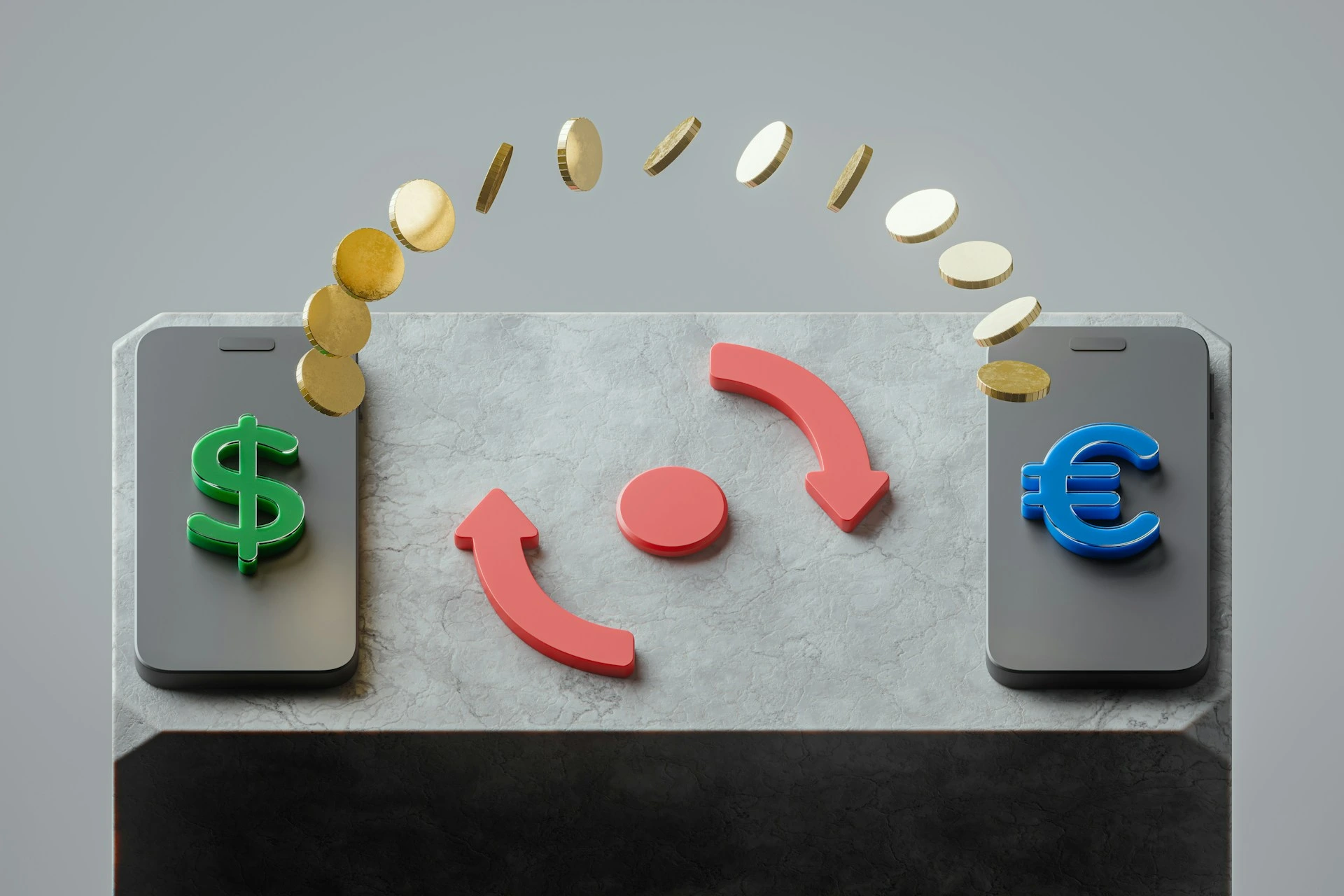
It is not about pretending to be in a specific location, but simply about the currency you use. While most providers automatically select British Pounds (£), manually switching to US Dollars ($) at checkout is often the smarter choice, provided your bank does not charge (excessive) foreign transaction fees. In fact, checking this switch and looking for eSIM discount codes is a standard step I personally always take before booking any data plan.
Why does this work?
Most global eSIM providers base their standard pricing in US Dollars. When they display a price in Pounds, they often use a rounded-up exchange rate or apply an internal conversion fee. By switching the currency settings to USD, you can often bypass this markup.
This pricing strategy is not necessarily driven by profit. Depending on a provider’s location and payment infrastructure, accepting payments in Pounds can be costly for them. However, since consumers generally prefer paying in their own currency, providers offer this convenience but factor the extra processing fees and protection against exchange rate fluctuations into the final price.
The Proof: How much can you save?
To see if this theory holds up, we compared the prices of major providers. The result? The trick works with 5 out of 7 providers tested.
The Scenario: We searched for a standard data package for an average British traveller heading to the USA for 2 weeks, needing 10 GB of data.
- Note: Where a specific 10 GB plan was unavailable, we selected the cheapest available plan with a higher data allowance.
- Rates & Exchange rate date: 29 November 2025 (Interbank rate: £1 = $1.31).
| GBP | USD | Savings | |
|---|---|---|---|
| Airalo | £18.00 | $22.50 | £0.90 (-5.0%) |
| Ubigi | £12.00 | $14.00 | £1.36 (-11.3%) |
| Sim Local | £17.00 | $22.75 | -£0.37 (+2.1%) |
| Holafly | £38.00 | $47.90 | £1.60 (-4.2%) |
| Jetpac | £13.50 | $15.99 | £1.35 (-10.0%) |
| Nomad | £11.46 | $15.00 | £0.06 (-0.5%) |
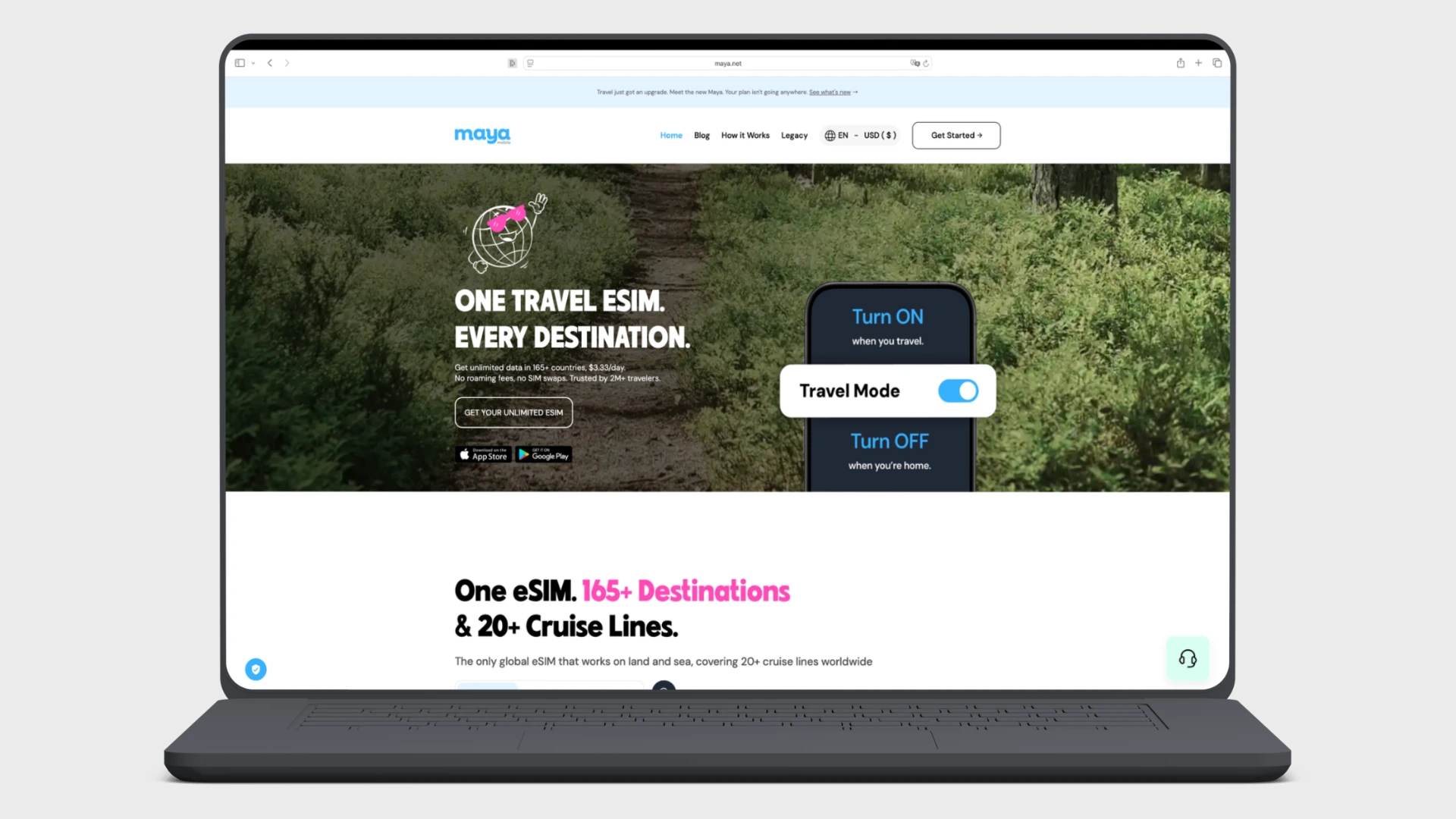
| Maya Mobile | £11.99 | $13.99 | £1.36 (-11.3%) |
** Prices converted based on the live exchange rate without bank fees.*
For providers like Ubigi, Maya Mobile, and Jetpac, switching to dollars is a ‘no-brainer’. You instantly save between 10% and 11%. These providers likely add a fixed markup to their GBP prices.
The exceptions are Nomad & Sim Local. The rule does not apply everywhere.
- Sim Local: This is the notable exception. Here, paying in US Dollars is actually 2.1% more expensive than paying in Pounds. In this specific case, you are better off sticking to your local currency. Instead, check the current rate and use the right card to secure the best deal for the exact same product.
- Nomad: The difference here is negligible (less than 1%), meaning their exchange rate is fair and accurate.
How to Maximise Your Savings (Over 25%)
While switching currency is a clever trick, it is only one part of the puzzle. To ensure you are getting the absolute best deal, we recommend a simple 3-step routine before every purchase.
By ‘stacking’ these steps, savings can reach over 25%. For example, with Jetpac, you can save roughly 10-11% by paying in USD, and then apply a 15% discount code on top of that.
- Compare Rates First Prices change frequently. Before you commit to a provider, check findyouresim.co.uk to compare the latest data packages and find the best base rate for your destination.
- Apply a Discount Code Never pay full price if you don’t have to. Check for active eSIM discount codes to knock an initial percentage off the bill.
- Check the Currency (GBP vs USD) Once you reach the checkout, toggle the currency. As the data shows, paying in GBP is often more expensive. If the dollar price is lower, make the switch. But check the conversion.
The catch: Watch out for bank fees
There is one important detail to keep in mind. The savings listed above are based on the real exchange rate. However, many traditional banks charge a foreign transaction fee when you pay in a currency other than Pounds. This fee is often around 2.99% and can reduce the benefit of switching currencies.
To avoid this cost, it is helpful to use a payment method with low or zero conversion fees. Many travellers use accounts like Revolut, Wise, N26 or Curve for this purpose, as they often allow payments in US Dollars without the added markups found at standard banks.
The Bottom Line
While it doesn’t work for every single provider, checking the USD price is a quick step that usually saves you money. Make this part of your pre-travel routine: compare on findyouresim.co.uk, grab a discount code, and check the currency. Spend those extra savings on your holiday, rather than on hidden fees.